In today’s digital-first world, accessibility is no longer just a nice-to-have, it’s a necessity. Millions of people worldwide rely on accessible websites to navigate, work, learn, and connect. Yet, many organizations still struggle to keep up with accessibility standards such as WCAG (Web Content Accessibility Guidelines).
QA Touch, a modern and collaborative test management platform, has always been committed to helping QA teams deliver quality software faster and more effectively. Taking this commitment a step further, QA Touch has introduced a brand-new feature: Website Accessibility Scanning for WCAG compliance. With this feature, you can scan your website in seconds, identify accessibility gaps, and take immediate action to make your digital experience inclusive for everyone.
In this blog, we’ll dive deep into what this feature is all about, why it matters, and how it can transform the way your team approaches accessibility testing.
Why Accessibility Testing Important
Accessibility ensures that websites and applications can be used by people with diverse abilities, including individuals with visual, auditory, cognitive, or motor impairments. Beyond compliance with global standards, accessibility is about inclusivity — ensuring no one is left behind when accessing digital products.
Key Highlights:
- One-click scanning – Enter your website URL and scan for WCAG issues in seconds.
- Comprehensive analysis – Detects common accessibility violations, such as missing alt text, poor color contrast, keyboard navigation issues, and more.
- WCAG-compliant reporting – Generates easy-to-understand reports aligned with WCAG 2.1 standards.
- Prioritized issues – Highlights accessibility gaps based on severity, so your team knows what to fix first.
This feature fits seamlessly into QA Touch’s mission of making test management more efficient and inclusive.
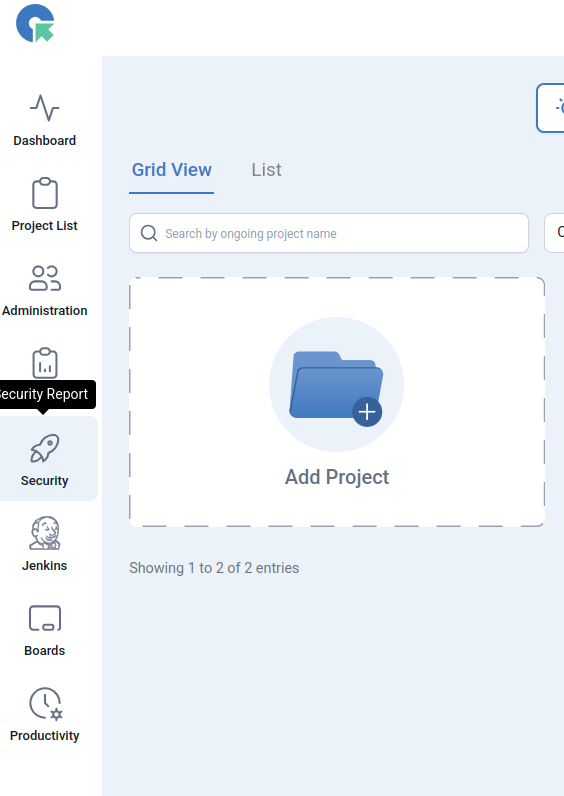
Navigation :Goto Security -> Web Accessibility Scanner
- Log in to your account.
- Go to the Security -> Web Accessibility Scanner
- Scan your website for WCAG accessibility in seconds.
- With just one click, you’ll find issues that may affect your visitors. Get a clear, easy-to-read report to help make your site more inclusive.

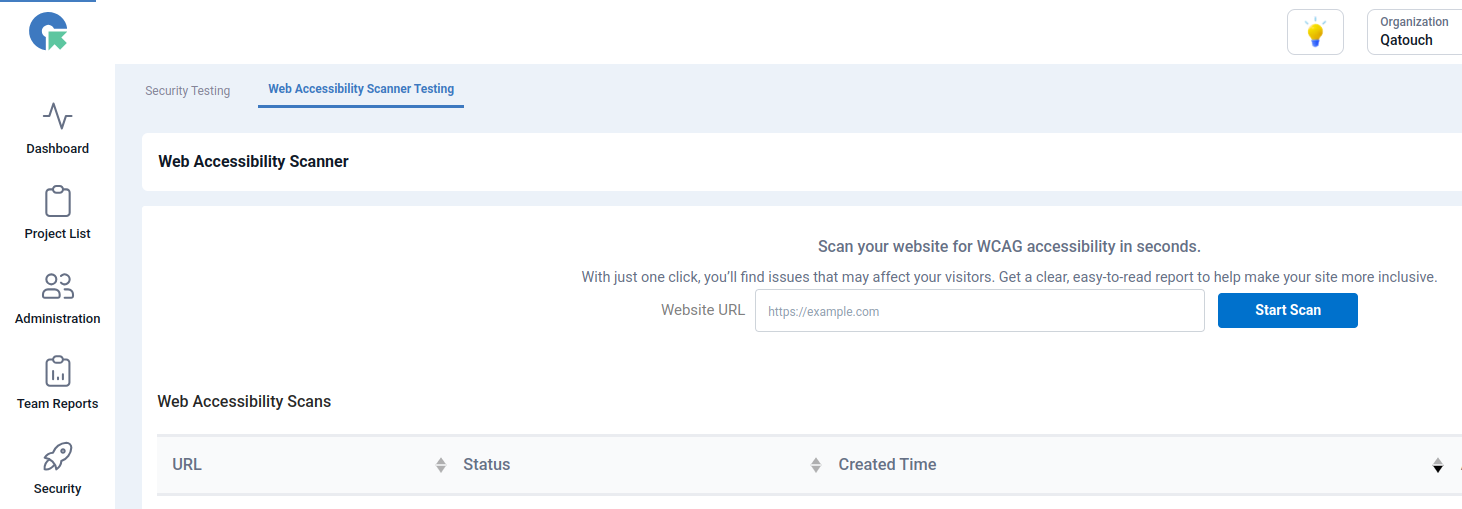
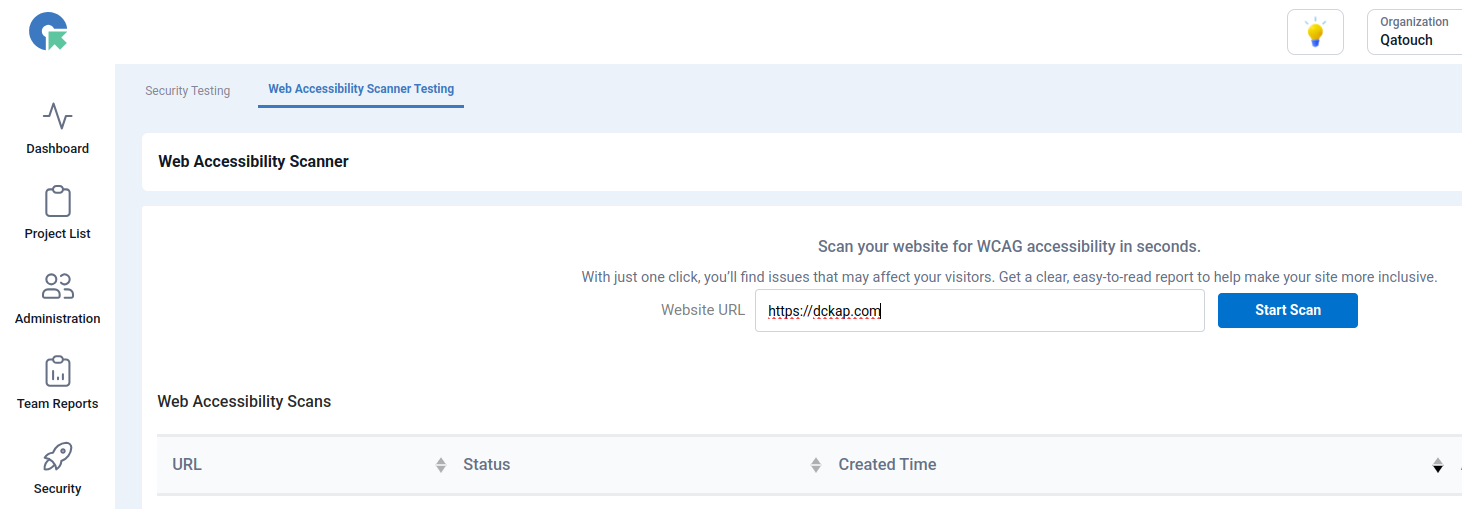
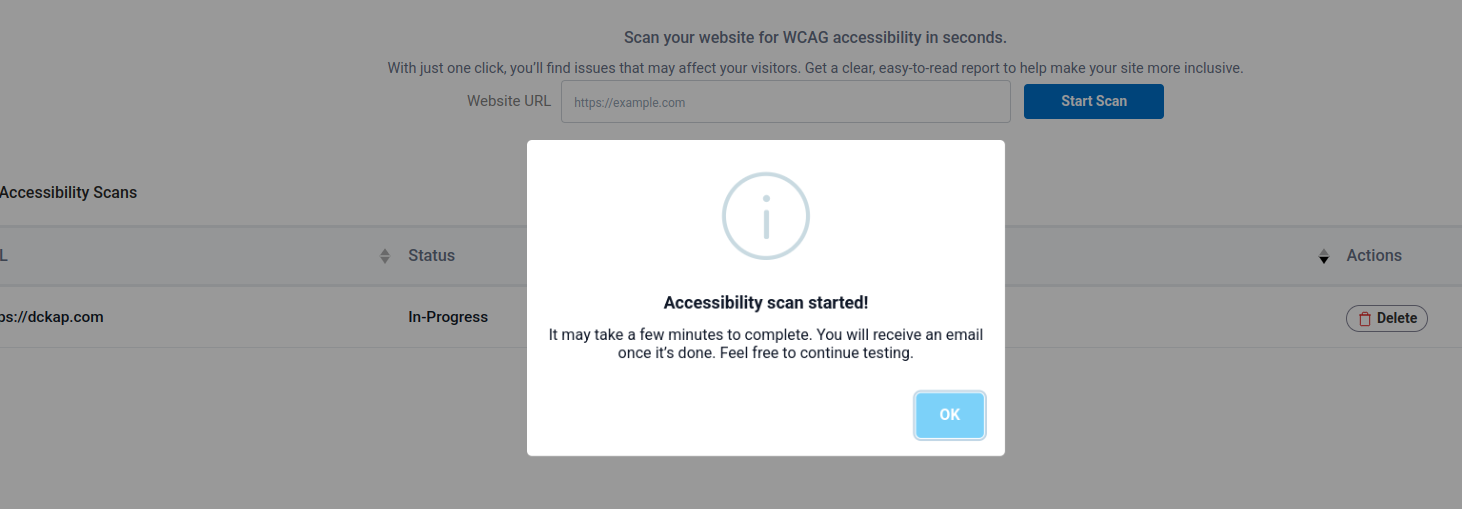
The scanning process may take a few minutes to complete. Once finished, an email will be sent with the status. The process will automatically change from ‘pending’ to ‘complete.
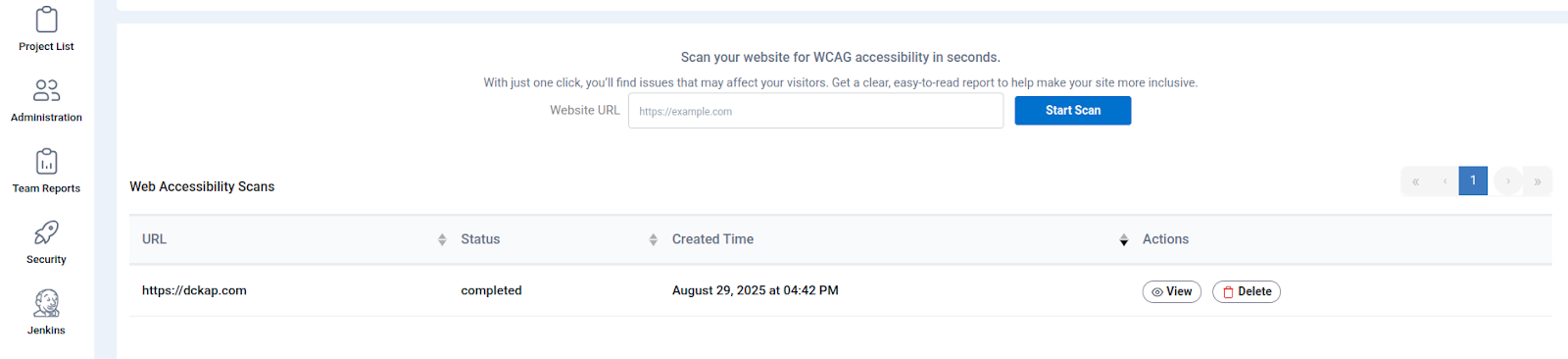
Report Completed – Once the scan is done, users receive a completed report notification that consolidates all results for immediate review.
Security Scanning View Option
- List
- Graph
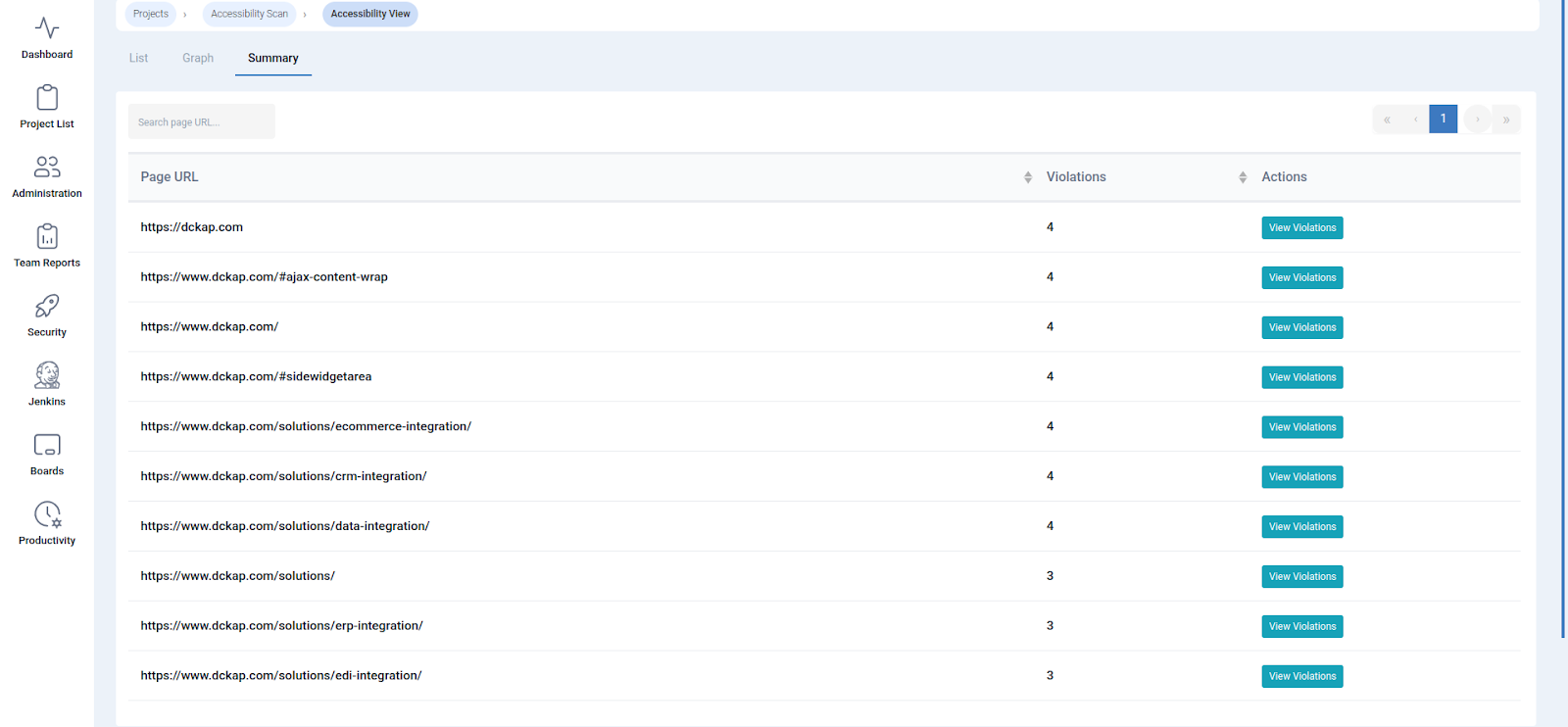
- Summary
“Accessibility View” tab. It shows a table listing accessibility issues from a scan of “website.com” The table includes columns for “Page,” “Rule,” “Impact” (e.g., “critical,” “serious”), “Description” (e.g., “Ensure buttons have discernible text”), and “How to fix.” accessibility scanner with detailed, actionable results.
“Summary” tab within the “Accessibility View.” It contains two bar charts and two pie charts. The top charts show “Violations by Rule” (e.g., button-name, image-alt, link-name, meta-viewport), with a count for each. The bottom charts show “Violations by Impact” (e.g., “critical,” “serious”), with a count for each. This image highlights the data visualization capabilities, making it easy for users to quickly understand the scope and severity of accessibility issues.
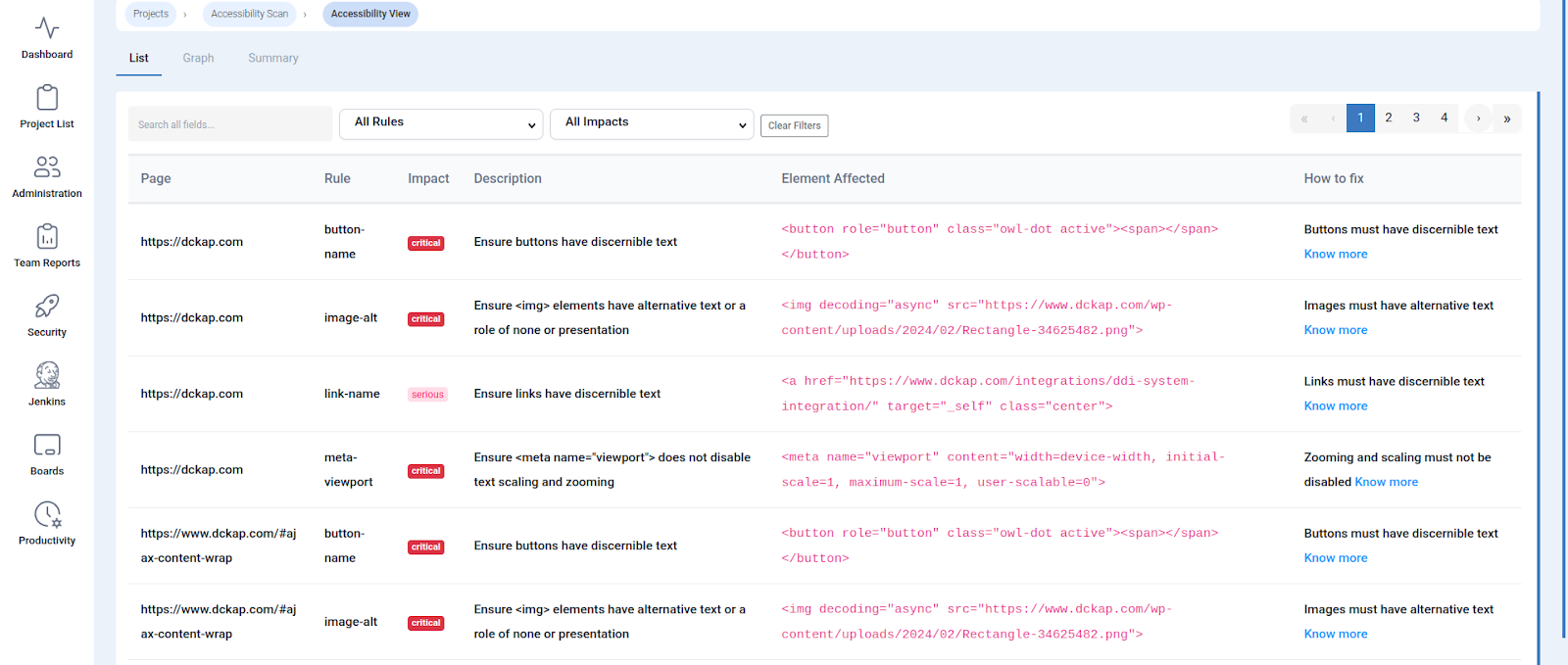
Explain how the tool provides a clear, actionable list of accessibility issues, including the specific page, the rule violated, the impact, and a direct fix.
The Page: Pinpoints the exact URL where the issue was found.
The Rule: Identifies the specific accessibility rule that was violated.
The Impact: Categorizes the severity of the issue, from “critical” to “serious.” This helps your team prioritize what needs to be fixed first.
The Description: Offers a clear, human-readable explanation of the problem, such as “Ensure buttons have discernible text” or “Ensure links have discernible text.”
How to Fix: Provides a link to learn more about a specific solution, empowering your team to quickly resolve the issue without a steep learning curve.
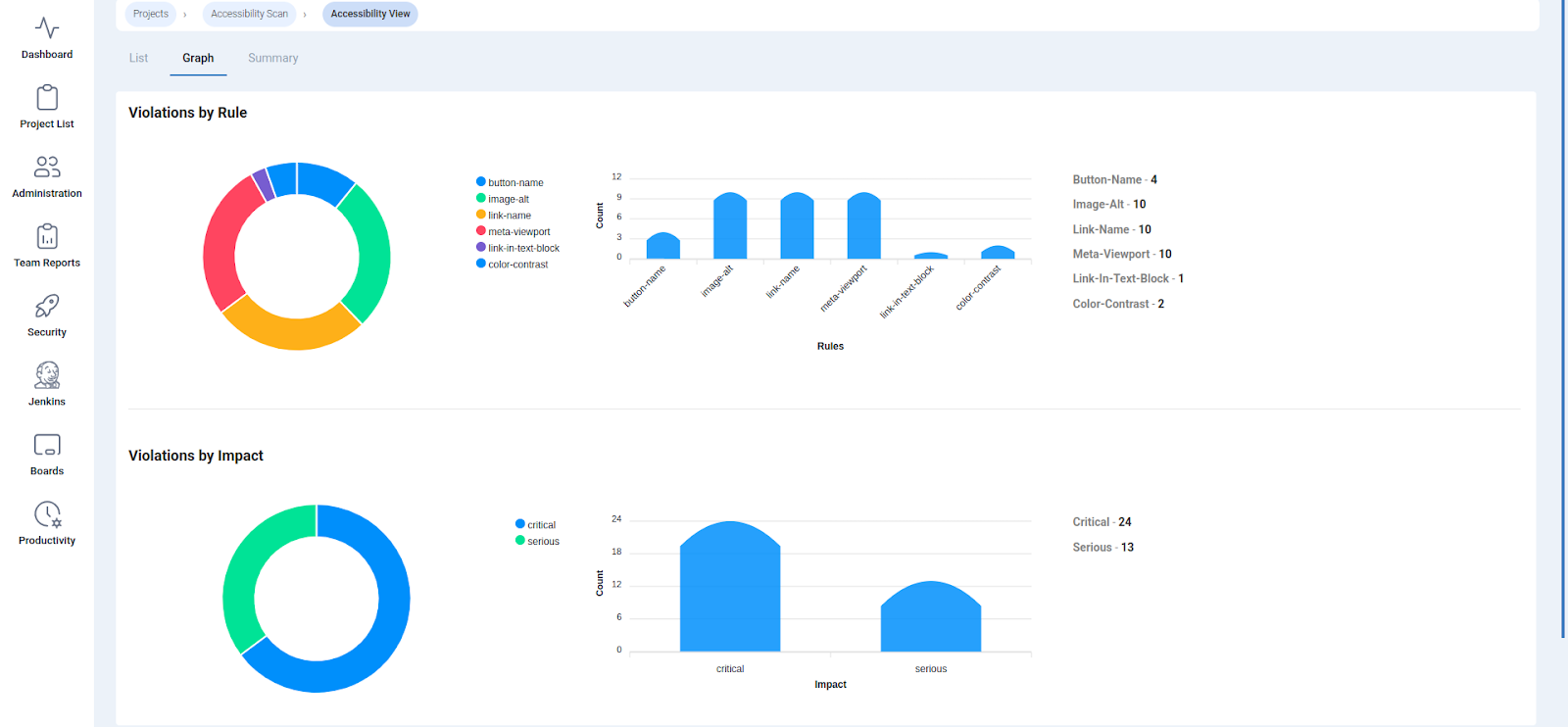
Describe how the visual graphs and charts give a quick, high-level understanding of the violations by type and severity.
Violations by Rule:A pie chart and bar graph show you which specific rules are being violated most frequently. We can quickly see if you have a recurring problem, such as a high number of button-name or image-alt violations.
Violations by Impact:A second set of charts breaks down the violations by severity. This allows your team to focus on the “critical” issues that pose the biggest barriers to your users, ensuring you address the most urgent problems first.
QA Touch has already established itself as a powerful test management tool, trusted by QA teams worldwide for features like:
- Test case management
- Defect tracking
- Requirement traceability
- Test execution and reporting
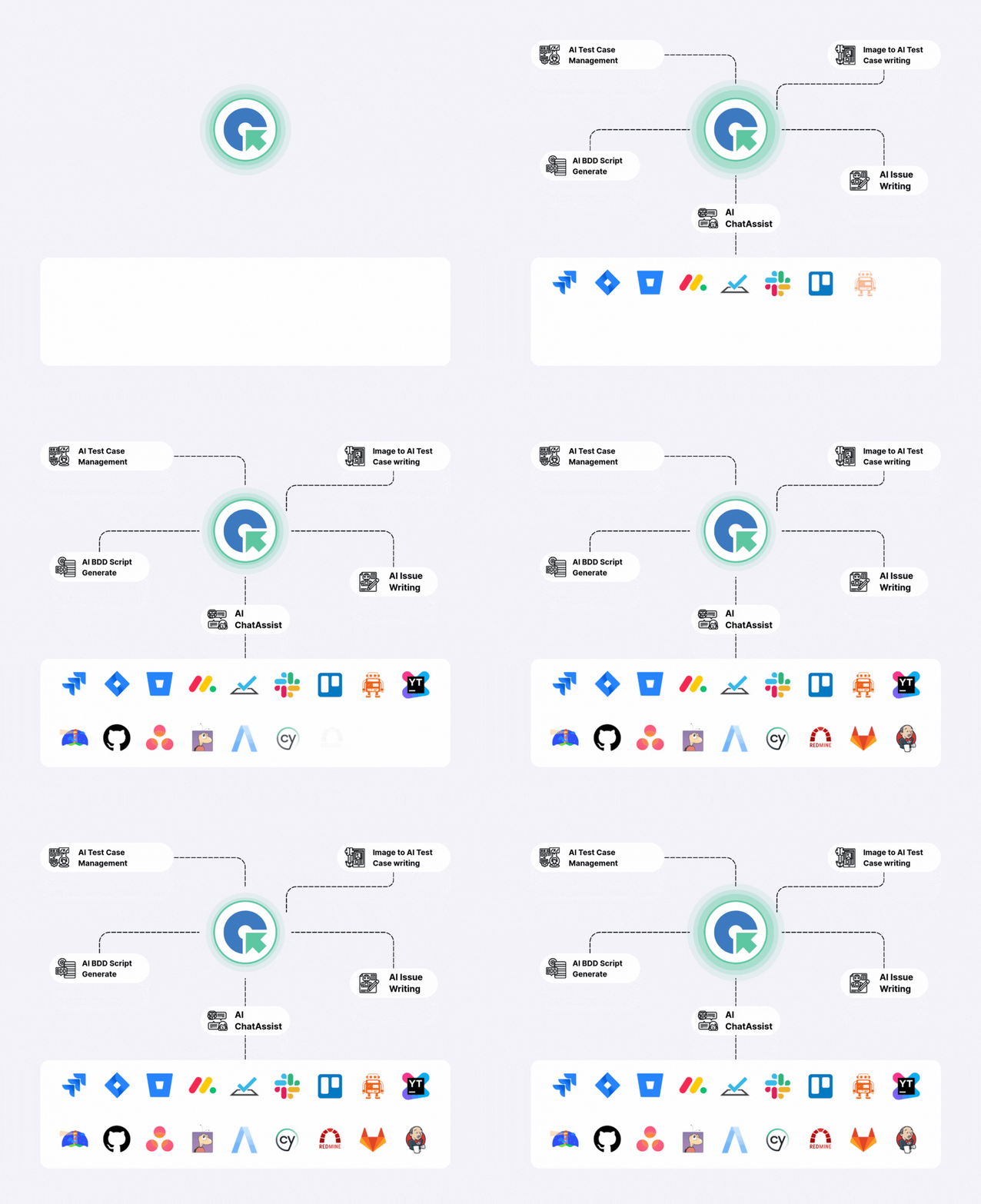
- Integration with popular tools (Jira, GitHub, Slack, etc.)
Now, by adding WCAG accessibility scanning, QA Touch becomes one of the few QA platforms that truly supports end-to-end quality management from functionality to accessibility
.