QA Touch: AI Driven
Test Management tool
QA Touch is an AI-driven tool that simplifies test management, ensuring smarter planning,
execution, and reporting for faster, error-free projects.
Trusted globally by QA teams in 100+ countries to ensure quality and efficiency.





Elevate Your Test Management
with QA Touch
Insights from QA Teams on QA Touch’s Impact
Effective Test Management
Efficiently manage projects, releases, test cases, and issues in a centralized repository, ensuring a structured approach to your testing process. Learn more
In-Built Bug Tracking
Log, track, and manage bugs seamlessly from report to closure with our Bug Tracking Module for full visibility and efficiency. Learn more
In-Built Timesheet
Track work hours effortlessly with QA Touch. Create, customize, and share employee timesheets for efficient time management and reporting.. Learn more
Reports
Generate tailored reports, covering everything from test cases to project outcomes, and easily download, email, or share them with your project stakeholders. Learn more
Custom Roles
Create organization-specific roles for team members and define visibility levels based on projects and features, ensuring tailored access and collaboration. Learn more
Test Suites
Utilize test suites such as Smoke, Regression, and Adhoc to enable brand managers, project managers, and business analysts to effectively assess workflows. Learn more
Agile Board
The Agile Board is a visual tool for managing tasks, team communication, and project progress within testing projects. Learn more
Requirements Mapping
Link requirements to corresponding test cases and track them effectively using the Requirements Traceability Matrix (RTM). Learn more
Stepwise Execution
Execute each test case step-by-step, adding status, assignee, and issues for each individual test step. Learn more
Custom Fields
Add custom fields with diverse input types like text, radio, select, and checkboxes to fit your testing needs. Learn more
Audio Recording Of Issues
Save time by voice recording issues instead of typing. Communicate in your native language for more effective project collaboration. Learn more
Test Plan
Create a Test Plan and map it to Test Runs to ensure successful execution aligned with your testing strategy. Learn more
Public Dashboard
Share visually appealing Team Dashboard Reports with your customers via a dedicated link, allowing them to view progress and test overviews without logging in. Learn more
Screen Recording
Create and share screen recordings with your colleagues to visually report bugs. Learn more
Inbuilt Mindmap
Analyze, organize, and enhance project understanding with QA Touch. Depict and share your requirements and processes through a detailed mind map representation. Learn more
Multi Language Support
QA Touch supports multiple languages, making test management easier by allowing you to use the platform in your preferred language. Learn more
Seamless Dashboards
Access a comprehensive overview of testing progress with project-specific insights into test cases, runs, issues, and user activity logs, all in one place. Learn more
SSO Settings
Enjoy hassle-free Single Sign-On with QA Touch, seamlessly integrating with both OKTA and Google for a smooth login experience. Learn more
Audit Log
QA Touch’s Audit Log records all actions with timestamps, giving admins clear visibility into changes for complete transparency. Learn more
BDD Test Case
QA Touch’s BDD test cases use a clear ‘Given-When-Then’ format, enhancing collaboration and enabling efficient, reusable test management across projects. Learn more
Test Case Review Management
Test Case Review Management simplifies tracking with statuses like Pending, Approved, Rejected, and Re-Verify, ensuring test case quality and compliance. Learn more
Test Case Version History
QA Touch’s Test Case Version History allows users to track changes, manage versions, and view detailed change logs for efficient record-keeping. Learn more
Test Case Management Tutorials by QA Touch
Explore QA Touch video tutorials and step-by-step guides to improve your test case management and streamline your QA workflows.
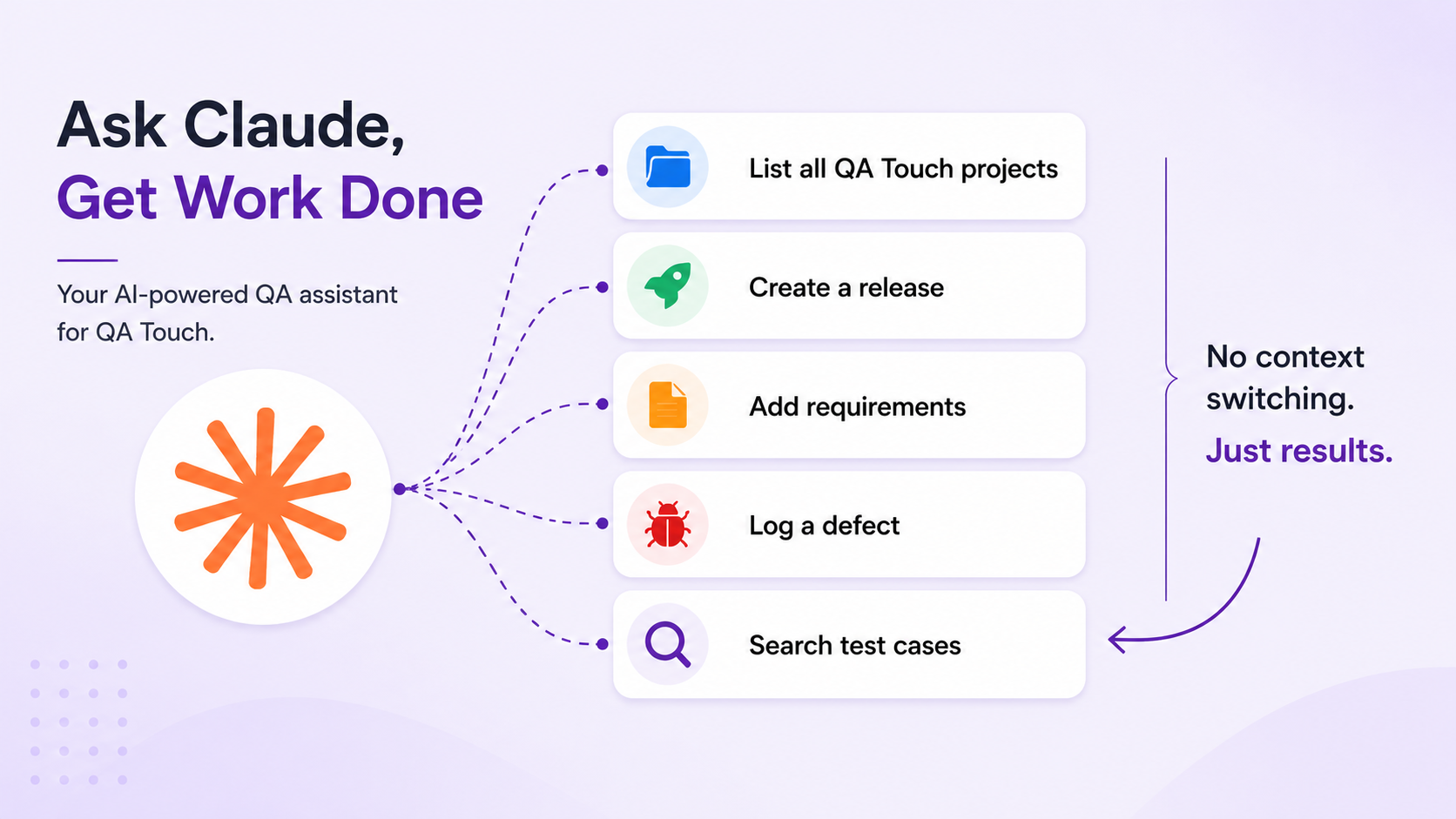
AI Agents
Explore AI-powered integrations and testing workflows.
MCP Setup
Set up MCP with simple, step-by-step guides.
MCP JIRA
Connect JIRA with MCP for seamless testing.
MCP Playwright - Capture
Capture browser actions as test cases.
Android-MCP with Claude Desktop
Explore Android apps and generate test cases.
AI Cursor IDE
Generate test cases quickly with Cursor AI and MCP.
KIRO Agentic IDE
Generate test cases with KIRO and MCP.
MCP Claude CoWork
Generate test cases with Claude CoWork.
MCP Browser - Capture
Turn browser actions into test cases.
Real people with life changing results

QA Touch offers a lot of great functionalities to manage the testing life cycle of the products. It is simple to use and really powerful.
Nicolas Bruna
Product Manager at Smartfense

Streamline Your Testing Lifecycle

QA Touch has greatly improved our testing efficiency. Its intuitive interface simplifies test case management, and seamless integration with bug-tracking tools streamlines communication between teams.
Emmanuel Njoroge
QA Manager, SkillCat, Kenya
Streamline Your Testing Lifecycle

QA Touch is a user-friendly product that is currently changing the way we test. The QA Touch Team is always willing to assist with issues and requests are dealt with very quickly.
Magda Harmse
SQA Manager at Lexis Nexis
Streamline Your Testing Lifecycle
Frequently asked questions
Everything you need to know about the product and billing
1. What is QA Touch?
2. Does QA Touch support both test management and test automation?
3. What features does QA Touch offer?
4. Can QA Touch generate test cases using AI?
5. What is the difference between test management and test automation?
6. Does QA Touch integrate with Jira?
7. Is QA Touch free to use?
8. Who should use QA Touch?
Don’t just take our word for it.