
























- BEST TESTRAIL ALTERNATIVES
AI Test Management Platform
Why QA Teams Prefer QA Touch over Testrail
- Intuitive UI
- Free Plan
- High-Quality Support
- Easy Reporting and Features
| FEATURES | ![]() |
![]() |
|---|---|---|
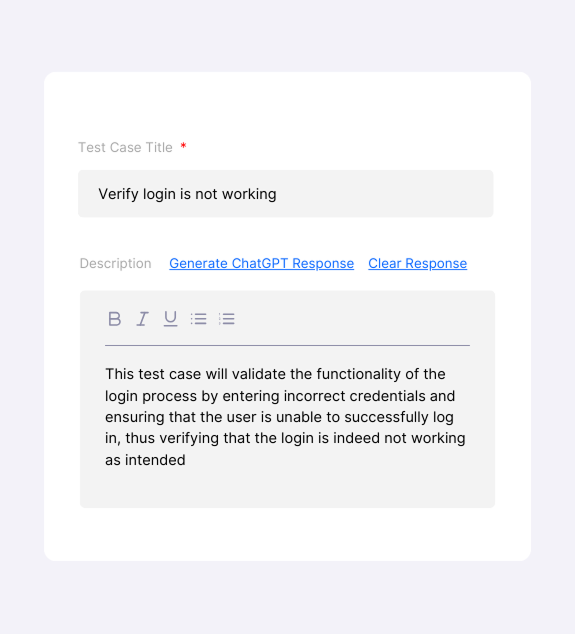
| AI Prompt Generate Test Cases | ||
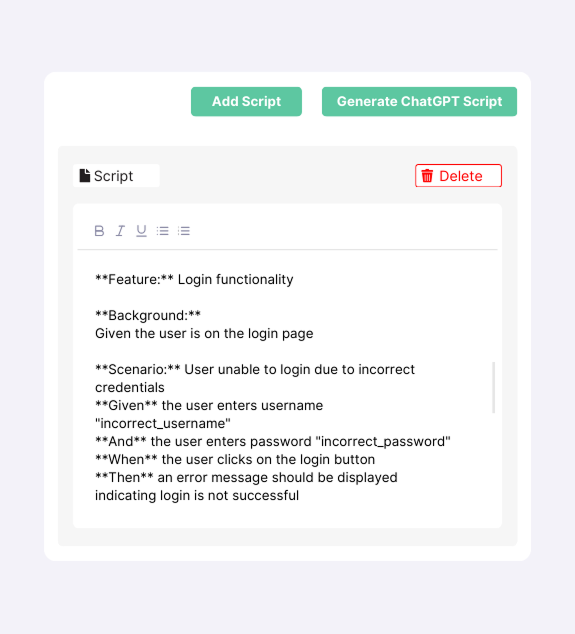
| AI BDD Script Generate | ||
| FIGMA/Images To Test Case Generator | ||
| Test Case Generation from JIRA Epic and Story Requirements (Single / Bulk) | ||
| AI Test Case from BRD (Business Requirements Document) | ||
| AI Requirements from BRD (Business Requirements Document) | ||
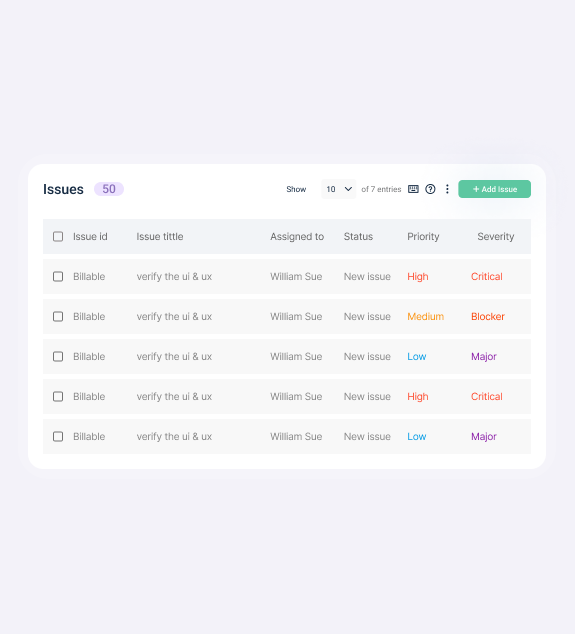
| Inbuilt Issue / AI Issue Writing | ||
| AI Chatbot | ||
| Create/ Edit/View/Clone/Copy/Move Test Case / Test Run & Result / Test Plan | ||
| Faster Performance and Intuitive UI / Quick and easy to scale | ||
| Role Management / Site Settings / Email Notification | ||
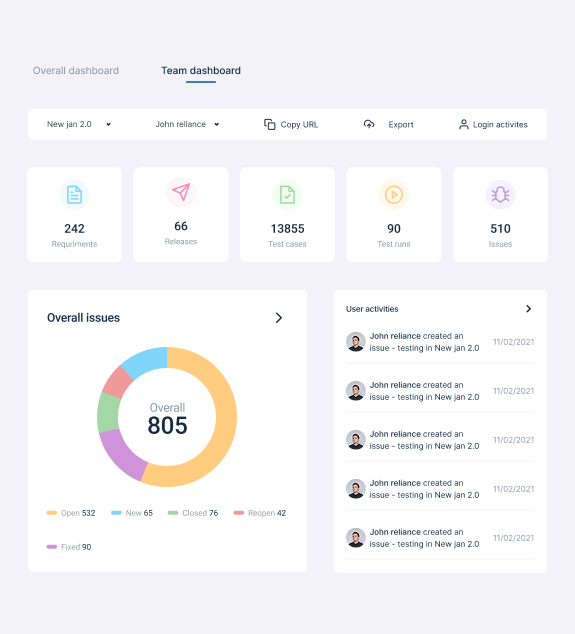
| Custom Fields / Custom Option / Reports | ||
| Integrates with Jira (Multi Project Mapping) | ||
| Single Sign-On | ||
| API | ||
| Automation Integration | ||
| Monday.com Integration | ||
| Workspace/Team | ||
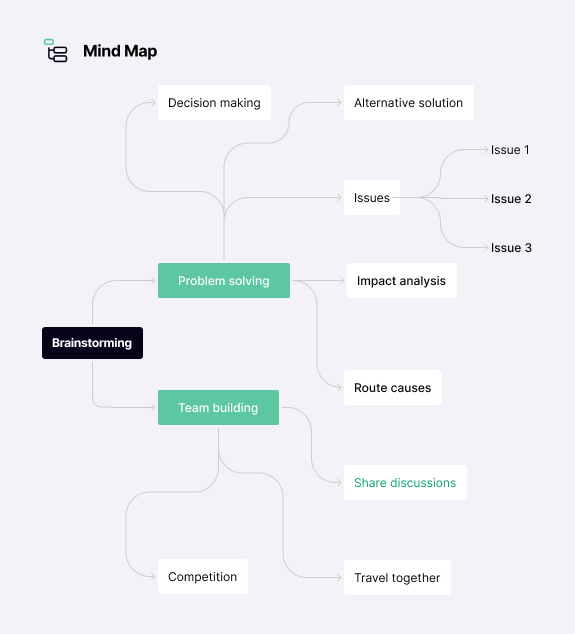
| MindMap | ||
| On Premise /Private Server Support |
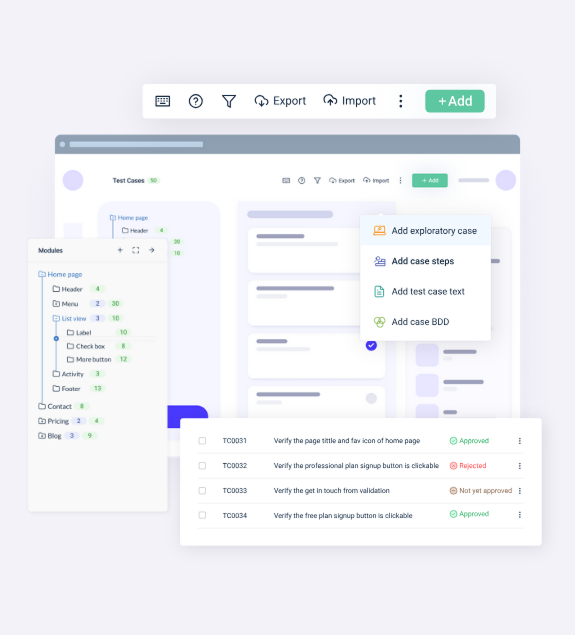
Everything You Need for Seamless
Test Management
Streamline your testing process with QA Touch—a powerful test management tool built for efficiency, collaboration, and delivering high-quality results.
No credit card needed | Free Forever
QA Touch vs. TestRail Pricing
Your Annual Savings: $2460
Real people with life changing results
QA Touch offers a lot of great functionalities to manage the testing life cycle of the products. It is simple to use and really powerful.
Nicolas Bruna
Product Manager at Smartfense
Streamline Your Testing Lifecycle
QA Touch has greatly improved our testing efficiency. Its intuitive interface simplifies test case management, and seamless integration with bug-tracking tools streamlines communication between teams.
Emmanuel Njoroge
QA Manager, SkillCat, Kenya
Streamline Your Testing Lifecycle
QA Touch is a user-friendly product that is currently changing the way we test. The QA Touch Team is always willing to assist with issues and requests are dealt with very quickly.
Magda Harmse
SQA Manager at Lexis Nexis
Streamline Your Testing Lifecycle
Frequently asked questions
Everything you need to know about the product and billing
Why QA Touch?
QA Touch is an AI-driven test management platform built by testers for testers. It simplifies collaboration between developers and QA engineers while helping to manage, track, and organize test cases efficiently. Streamline your testing processes, enhance QA visibility, and deliver high-quality software with ease.
How To Data Migration Test Rail to QA Touch tool?
Download the Test Cases from the TestRail Tool with CSV File format.
What Are The Four Types Of Data Migration?
QA Touch supports below types of data migration:
- CSV
- XLS
Import Test Cases (CSV/XLS – Format)
- Go to Test case List page and navigate to the import page by clicking on Import
- Choose the Test case Template (Test Case (Text) / Test Case (Steps) / Test Case (Custom field))
- Now upload, Map the required fields, and click on “Import”
- All test cases will be added to QA Touch
- What Are Test Case Templates Available In QA Touch For Import?
- There are three types of test case templates available in QA Touch for Import:
- Test Case (Text)
- Test Case (Steps)
- Test Case (Custom Fields)
- Upload the file (CSV, XLS, XLSX) to import
- Map the fields in your file with QA Touch Test case fields. Module name and Test case title are mandatory
- Click on the Import button
What is the Advance of Screen Recording and Audio Recording feature in Issue Module?
Screen Recording of Issue
After creation of issues, you can add a screen recording of issue in the product. From the issues list, Click the issue in which you wanted to add screen recording.
- Click Screen Recording.
- Select any one of the options Your Entire Screen or Application Window or the tab.
- Click Share.
- Record the steps to replicate the issue.
- Click Stop share once you complete steps.
- The screen recording of the issue is saved in the issue.
What feature does QA Touch offer for software testing?
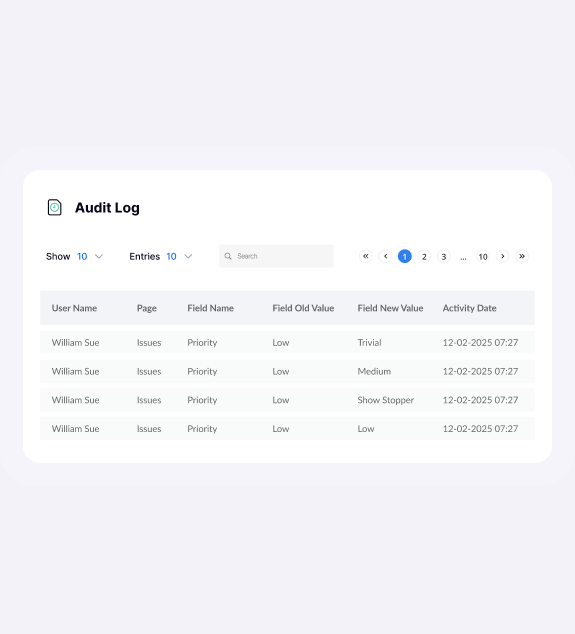
QA Touch offers comprehensive features to manage the entire test management process. From easy migration with CSV files to audio-visual recording of issues and activity logs and a shareable dashboard for real-time reporting to stakeholders, we ensure the testing teams are always on top of things.
Our focus is on providing complete visibility and control over testing workflows and fostering collaboration between testers and other stakeholders (both internal and external). You can have a look at all the features here.
How long will it take my team to set up QA Touch?
Once you sign up, it takes only 30 minutes to get your QA Touch account up and running. After registration, you will receive an account activation email with all the details. Log in with your account details and create your first test project on QA Touch—it’s that simple. You are now ready to start inviting your team and assigning them roles.
If you are finding it difficult to log in or facing any difficulty, feel free to reach our support team at info@qatouch.com
Do you provide tech support for test management?
Why is QA Touch the best test management tool for me?
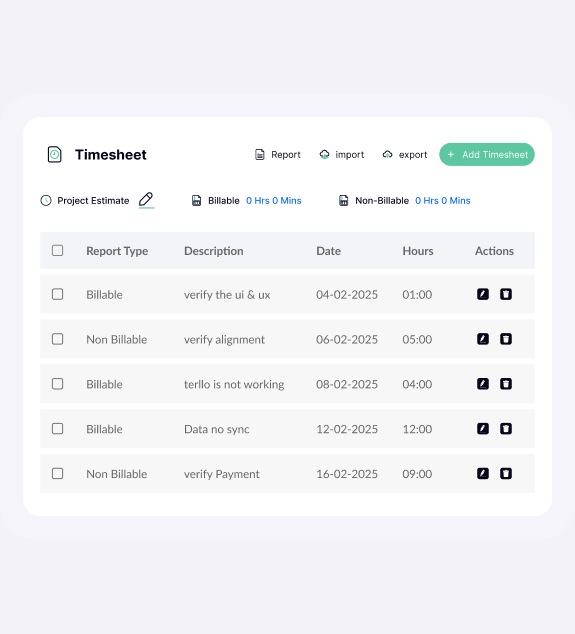
QA Touch is an AI-driven test management platform that simplifies collaboration between your developers and testers. Beyond creating, organizing, and executing test cases, QA Touch enables you to manage projects, track bugs, and monitor time—all in one platform.
With an intuitive UI and seamless two-way integrations, QA Touch adapts to your workflow, making test management, project oversight, and bug tracking smarter and more efficient.
Does QA Touch Support SSO Integrations?
With secure OKTA, Microsoft Azure SSO, and Google SSO enterprise features, you can stay connected in every app.
How many integrations do you provide?
We have integrations with dozens of major apps like Slack, Jira, Monday.com, Cypress, and many more. Explore the whole list of integrations now supported here: Explore integrations
What is a test management tool?
The test management tool is a modern software application that helps QA teams and developers manage their testing process efficiently. It provides a structured approach to creating, organizing, executing, and tracking tests to ensure software applications meet specified requirements and function properly before release.