
QA Touch + Asana
Fast-track your teamwork with Asana integration
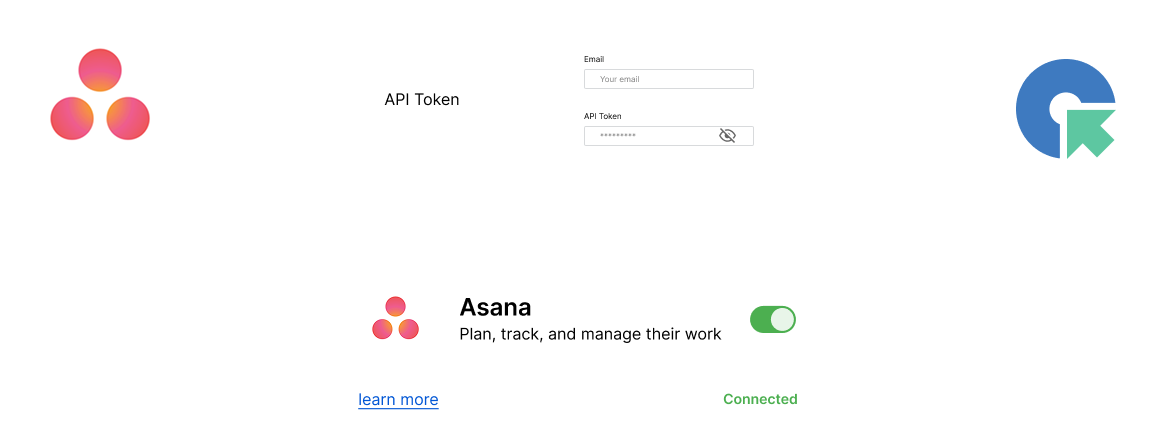
Streamline Bug Tracking & Task Management
Integrate QA Touch with Asana to effortlessly post bugs, align goals with tasks, and enhance team collaboration. Optimize workflows for improved productivity and seamless QA-development coordination.
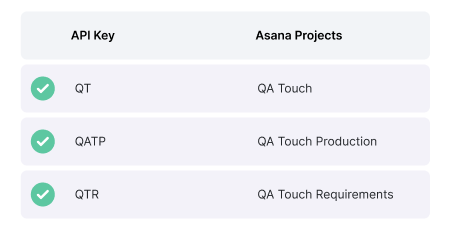


Features + Benefits
Powerful features designed to streamline testing, enhance collaboration, and drive efficiency with intelligent automation.
Instant Bug Tracking
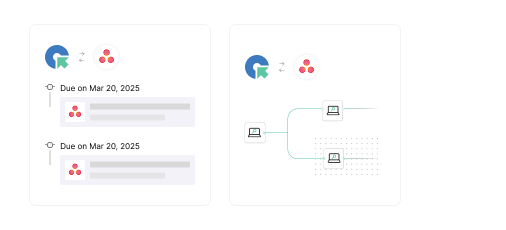
Automatically create and track bugs in Asana without manual entry, saving time and reducing errors.
Easy List Management
Organize and track test cases and issues with Asana’s list management, ensuring smooth workflow integration with QA Touch.
Flexible Configuration
Customize your workflow with Asana’s versatile features, allowing for tailored project management that suits your team’s needs.
Trusted by QA Teams worldwide
Real people with life changing results

QA Touch offers a lot of great functionalities to manage the testing life cycle of the products. It is simple to use and really powerful.
Nicolas Bruna
Product Manager at Smartfense

Streamline Your Testing Lifecycle

QA Touch has greatly improved our testing efficiency. Its intuitive interface simplifies test case management, and seamless integration with bug-tracking tools streamlines communication between teams.
Emmanuel Njoroge
QA Manager, SkillCat, Kenya
Streamline Your Testing Lifecycle

QA Touch is a user-friendly product that is currently changing the way we test. The QA Touch Team is always willing to assist with issues and requests are dealt with very quickly.
Magda Harmse
SQA Manager at Lexis Nexis
Streamline Your Testing Lifecycle
Frequently asked questions
Everything you need to know about the product and billing
1. What is QA Touch?
2. Does QA Touch support both test management and test automation?
3. What features does QA Touch offer?
4. Can QA Touch generate test cases using AI?
5. What is the difference between test management and test automation?
6. Does QA Touch integrate with Jira?
7. Is QA Touch free to use?
8. Who should use QA Touch?
Enhance your test case management process today!