
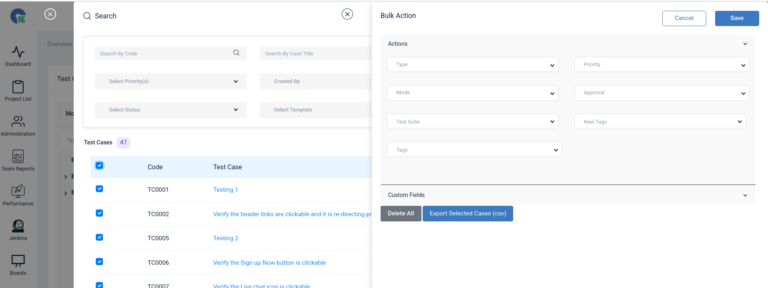
Search – Normal / Advance Search
Search Test Cases : Users could quickly locate specific test cases by entering keywords or phrases from the test case
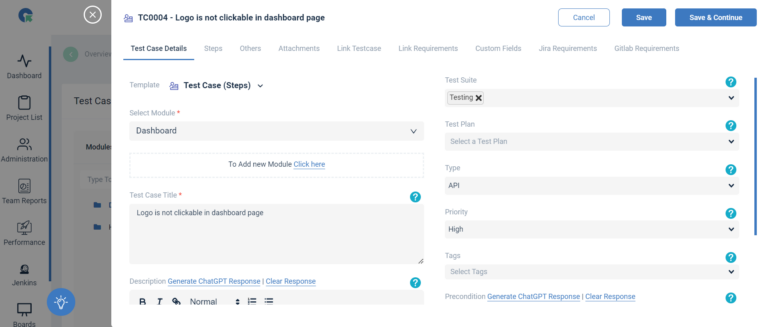
Test Case & Steps Version History
Overview To provide a robust version control system for test cases in QATouch, enabling users to track changes, maintain historical
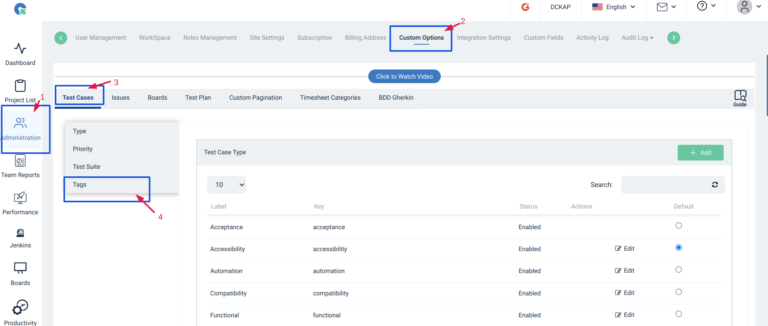
How to use Tag Management
Add New Tag Adding / Updating New Tags to Test case Bulk update of Tags Test Case search Bulk add/
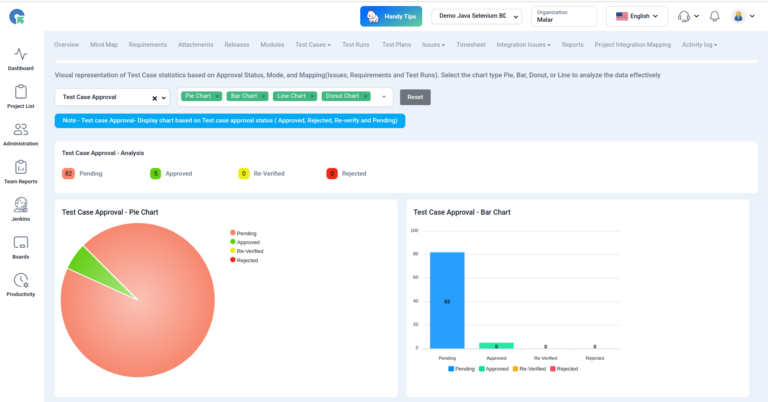
Test Cases Reports
Overview Visual representation of Test Case statistics based on Approval Status, Mode, and Mapping(Issues, Requirements and Test Runs). Select the
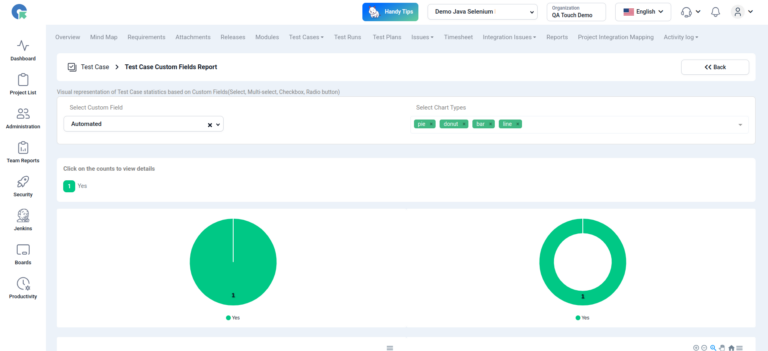
Test Cases – Custom Fields Reports
Test Case Custom Field Report (Graphical Reports) Test Case Custom Field Report provides stats of Test cases based on custom
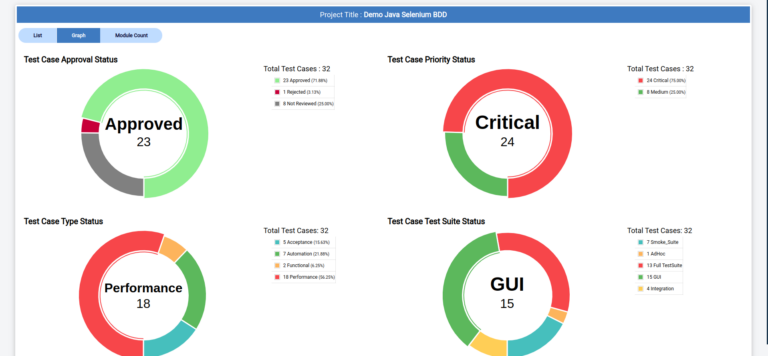
Shareable Public Reports by Test Case
Overview Shareable Public Reports by Test Case – Type, Priority, and Test Suite provide a concise view of test results
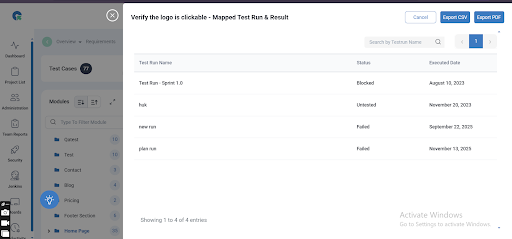
Mapped Test Run & Result
The Mapped Test Run & Results report provides a complete view of how each test case is executed across different
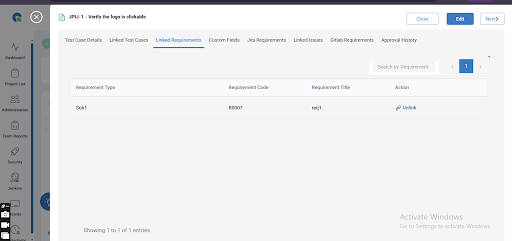
Mapped Requirement
The Mapped Requirement section helps you understand how each requirement is linked to its corresponding test cases within a project.
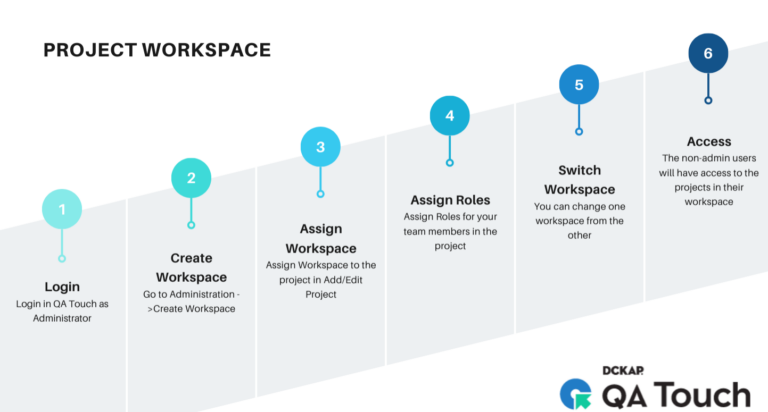
Workspace/ Group / Team
Workspace/ Group / Team This feature allows users to organize their projects and collaborate effectively within designated workspaces, groups, or